Steal a Car Controls & Player Tips
PC and mobile bindings, HUD habits, and session advice for 8-player lobbies.
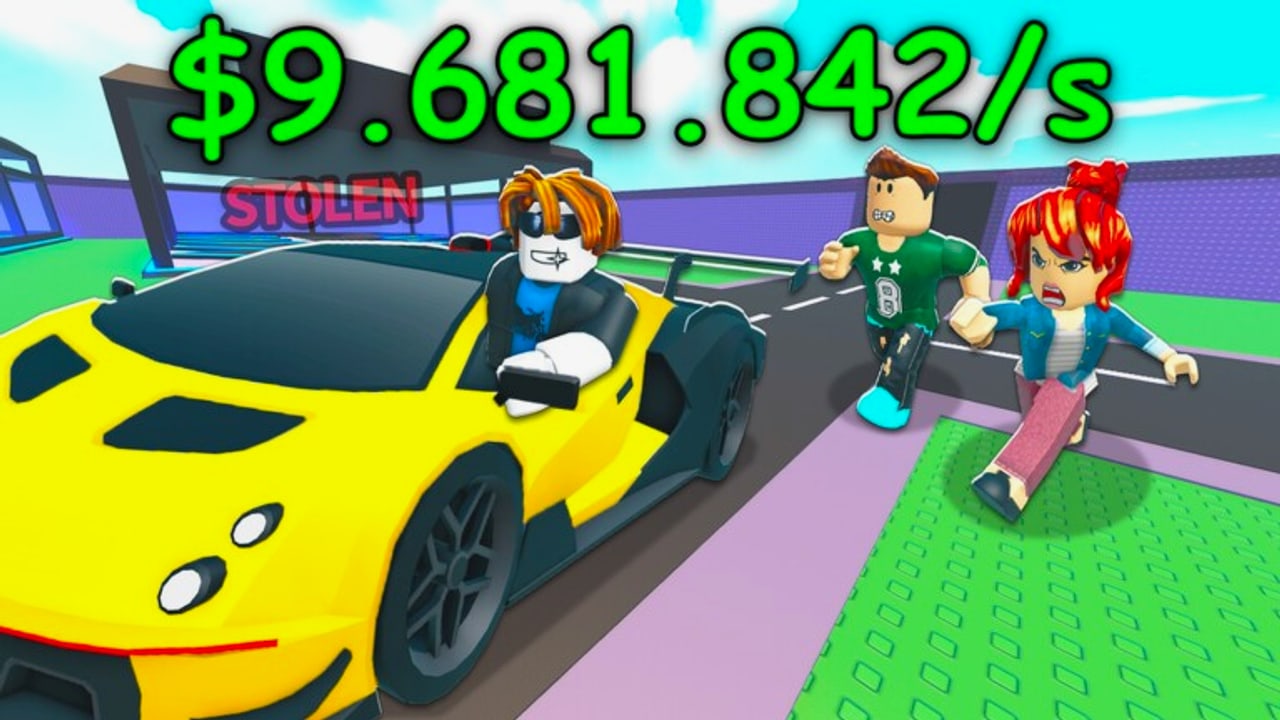
This Players Hub is the controls and session-tips center for Steal a Car on Roblox. Whether you play on PC, mobile, or tablet, the loop is identical—buy cars, park them, steal, defend, rebirth—but your fingers change. Master bindings first, then apply tactics from the Guides Hub.
Steal a Car runs in small 8-player servers by Turbo Heist. Input lag or mis-taps lose Mythicals faster than bad strategy. Keep this page bookmarked next to Getting Started and How to Steal.
PC controls
| Action | Default input | Notes |
|---|---|---|
| Move | WASD or Arrow keys | Strafe while aiming camera at pads |
| Jump | Space | Clear low props on escape routes |
| Camera | Mouse movement | Keep exit angles visible mid-steal |
| Attack / slap | Left mouse button | Knock thieves or defenders |
| Buy / sell / interact | E | Conveyor purchases, steal prompts, sales |
| Teleport to base | G | Rotate home after a secured steal or defense alarm |
| Rebirth menu | R | Opens rebirth requirements / confirm |
If a key feels wrong, check Roblox experience keybinds and confirm you are not in a chat field when pressing G/R/E.
PC habits that win
- Hold camera on the enemy exit while the steal prompt ticks
- Bind mental priority: E to grab, click to slap, G only after the car is yours
- Use shift-lock or your preferred mouse mode consistently so slap aim stays muscle memory
Mobile & tablet controls
| Action | Typical control | Notes |
|---|---|---|
| Move | Left virtual joystick | Keep thumb low so UI buttons stay free |
| Camera | Swipe right side | Practice while standing still before contested steals |
| Jump | Jump button | Use for pathing, not panic spam |
| Attack / slap | Attack button | Pin it where your right thumb rests |
| Interact (buy/steal/sell) | Interact / proximity button | Appears near cars and prompts |
| Teleport to base | Base / home button on HUD | Same role as PC G |
| Rebirth | Rebirth icon (often rotating arrows) | Confirm requirements before tapping |
| Lock base | Lock control on HUD | Always tap before multitasking |
Mobile habits that win
- Play on stable Wi-Fi for contested Secret steals
- Increase graphics only if frame rate stays high—defense needs responsive slaps
- Rotate to landscape if buttons overlap
- Lock before answering messages; unlock windows are short
Shared HUD checklist (all platforms)
Learn where these live on your device:
- Cash / income readout
- Lock Base control and timer
- Codes / Gift button (Codes Hub)
- Shop for rebirth gear
- Rebirth panel
- Garage pads occupancy
If a button is missing, finish the tutorial, rejoin, or wait for UI after spawn. Place copies sometimes break menus—use the official game link from the Wiki overview.
Session tips for every player
Warm-up (2 minutes)
- Spawn, lock, note cooldown.
- Tap each critical button once (interact, slap, teleport, lock).
- Glance at the belt for an Epic+ starter if pads are empty.
- Scout which neighbors look unlocked.
Mid-session focus
- One goal at a time: refill Legendary, finish rebirth cash, or hunt Mythical—not all three while unlocked
- After every dock: lock
- After every failed steal: heal route knowledge, do not ego rematch blindly
- Watch server population; fewer players can mean safer AFK locks or emptier belts
End-session safety
- Do not leave with Secret pads unlocked
- Optional: trade valuables to a friend or alt before quitting if you fear offline snipes on unlock ( mechanistically you are safer simply not owning contested flexes when you must leave)
- Note rebirth progress for next time (How to Rebirth)
Platform-specific advice
PC — Best for precise slap contests and camera-led steals. Use it for learning advanced routes in How to Steal.
Mobile — Best for checking locks and income on the go. Avoid first-time Divine steals on high ping.
Tablet — Middle ground; place the device so both thumbs reach attack and interact without covering the lock button.
Accessibility & comfort
- Lower camera sensitivity if slap aim overflick
- Increase sensitivity if you cannot track fleeing thieves
- Take breaks; 8-player chaos spikes stress and misclicks
- Mute toxic chat if it breaks focus—defense needs calm
Linking controls to strategy pages
| You want to… | Open |
|---|---|
| Learn the full loop | Getting Started |
| Win more raids | How to Steal |
| Stop losing pads | How to Defend |
| Reset for power | How to Rebirth |
| Know buy targets | Tier List |
| Automate inputs (risky) | Scripts |
| Track patches that remap UI | Updates |
Common control mistakes
| Mistake | Result | Fix |
|---|---|---|
| Chatting when pressing G/R | No teleport / accidental menus | Close chat first |
| Slap bound awkwardly on mobile | Lost mid-escape | Remap thumbs / HUD scale |
| Forgetting lock control location | Donated Mythical | Muscle-memory drill each warm-up |
| Teleporting before steal registers | Empty hands at home | Confirm car ownership first |
| Opening codes while unlocked | Easy snipe | Lock, then redeem (codes) |
Practice drills
- Lock drill — 10 lock/unlock cycles without leaving base
- Teleport drill — run mid-map, teleport home, re-lock
- Prompt drill — buy and sell a cheap Common to master interact timing
- Slap drill — friendly duel in an empty corner before contested play
Controls will not earn Secret cars alone—but bad controls will lose them. Get comfortable on your device, then spend your mental energy on rarity priority and lock timers. When something in the HUD changes after a patch, revisit this Players Hub and the Updates Hub.
Frequently Asked Questions
Quick answers to the most common Steal a Car questions.
What are the PC controls for Steal a Car?
WASD to move, mouse to look, click to slap, E to interact/buy/steal, G to teleport to base, R for rebirth, and Space to jump. Lock uses the on-screen base control.
Can I play Steal a Car on mobile?
Yes. Mobile and tablet support the full loop with joystick, swipe camera, and HUD buttons for interact, slap, lock, teleport, and rebirth.
How do I teleport back to my base?
Press G on PC or use the base/home HUD button on mobile after a steal or when defending. Confirm the stolen car is secured before teleporting.
Where is the rebirth button?
On PC, R opens the rebirth menu. On mobile, use the rebirth icon (often rotating arrows). Read How to Rebirth before confirming.
Why did my interact key stop working?
You may be in chat, in a menu, or on a broken server instance. Close UI, rejoin the official place, and finish tutorial prompts if you are new.